
PAPERHEAD system requirements: Steam, PC & Deck (2026)
Official PAPERHEAD system requirements for Steam and Microsoft Store PC, plus Steam Deck Verified checks as of 2026-10-10—compare your GPU, RAM, and disk.
FAQ
Can PAPERHEAD run on Steam Deck?
Does PAPERHEAD support macOS or Linux on Steam?
Why does Microsoft Store show ~7.3 GiB but Steam lists 2–3 GB storage?
What controller support does Steam list?
Where are PAPERHEAD platforms besides PC?
What are the Steam PC requirements?
Steam publishes the following official Windows specs. Copy matches the store API as of 2026-10-10:
| Spec | Minimum | Recommended |
|---|---|---|
| OS | Windows 7 64-bit or newer | Windows 10 64-bit |
| CPU | 64-bit processor and OS | 2.4 GHz quad-core or higher |
| Memory | 2 GB RAM | 4 GB RAM |
| Graphics | GeForce 9800GT or equivalent | GeForce GTX 460 or equivalent |
| DirectX | Version 9.0 | Version 11 |
| Storage | 2 GB available | 3 GB available |
| Sound | Any sound card | Any sound card |
Steam’s listing is Windows only—macOS and Linux flags are false. For console and handheld availability, read Is PAPERHEAD on PS5, Xbox, Switch, and Steam Deck?.
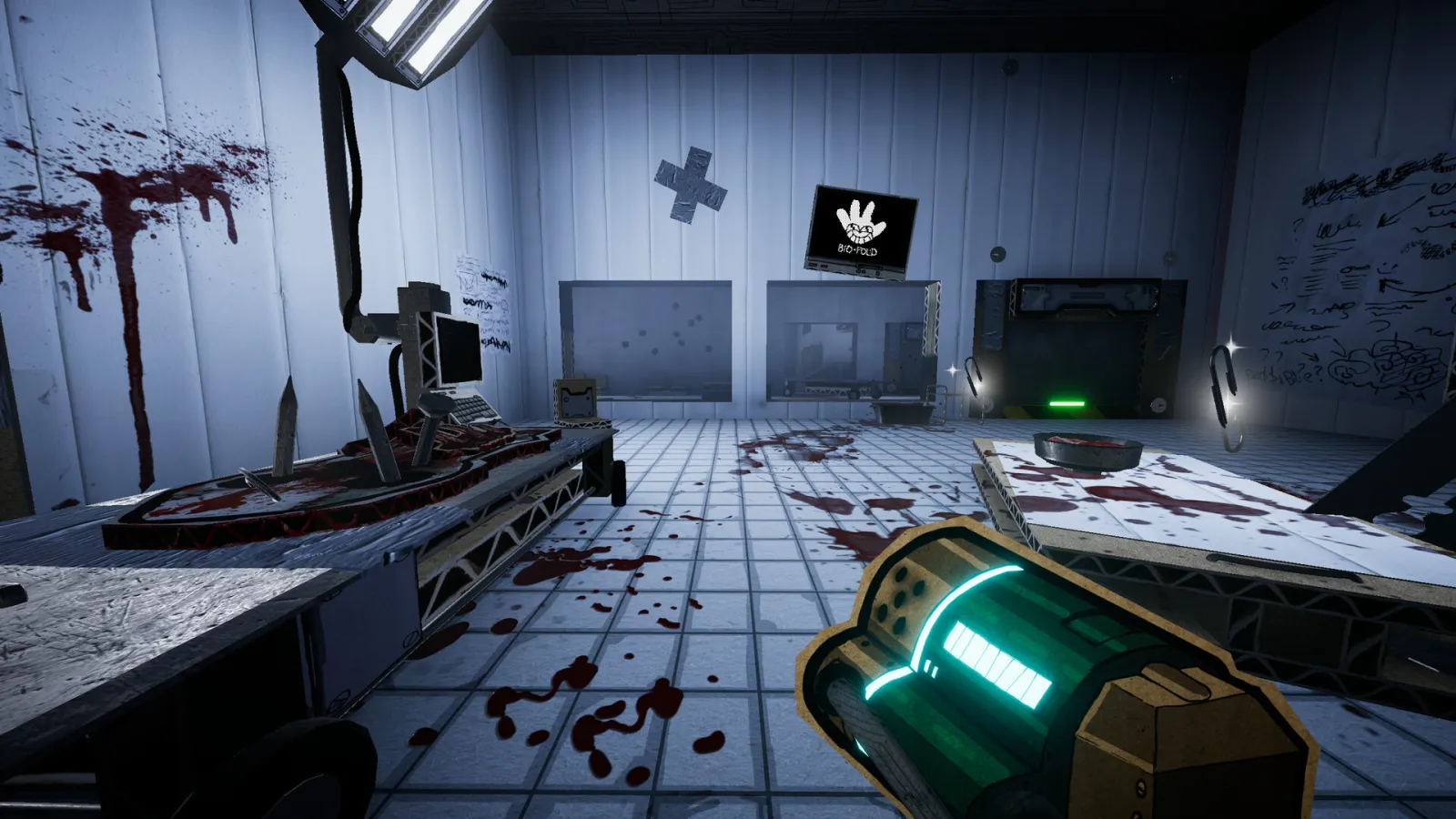
Source: official Steam store screenshot.
What does the Microsoft Store PC version require?
The Xbox / Microsoft Store listing shows a PC (Microsoft Store) build separate from Steam:
- OS: Windows 10 version 18362.0 or higher (per Microsoft Store page)
- Maximum install size: 7,850,151,936 bytes (≈ 7.3 GiB) on the Microsoft Store page
- Price: $19.99 in the US store view as of 2026-10-10 (same headline price tier as Steam before discounts)
That install size is not the same field as Steam’s 2 GB / 3 GB storage lines. We report both because each storefront publishes its own number; we do not infer which download matches your install.
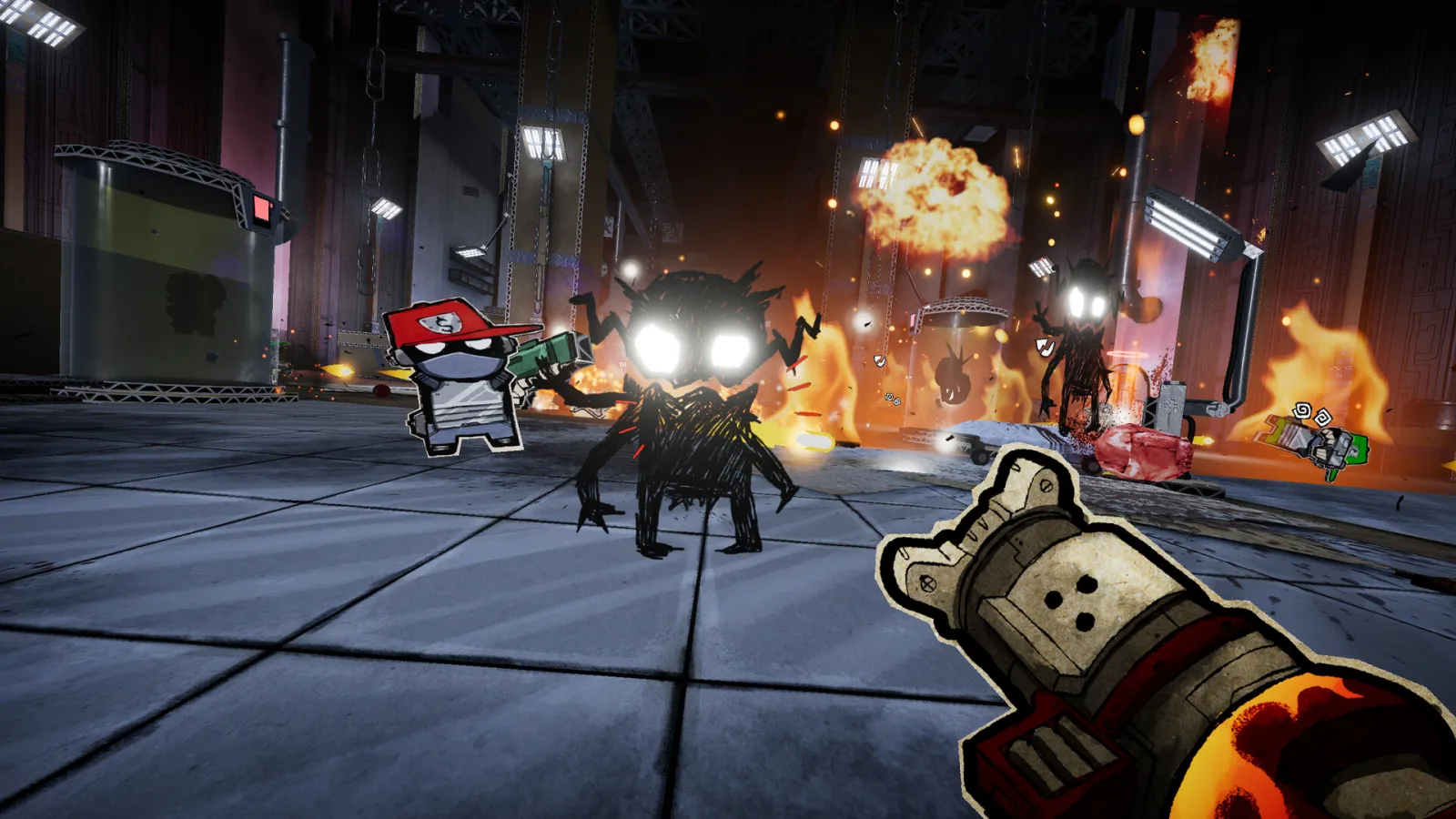
Source: official Steam store screenshot.
Is PAPERHEAD Steam Deck Verified?
Yes—as of 2026-10-10, Steam’s Deck compatibility report shows Verified (resolved_category = 3) with all four checks green:
- Default controller configuration is fully usable
- Controller glyphs match Steam Deck controls
- In-game interface text is legible
- Default configuration performs well enough on Deck
EP.0 was Playable (category 2) on the same API earlier; the full release upgraded to Verified. For Deck-specific buying advice, pair this page with our platforms guide and the beginner guide control list.
Which languages and input devices are supported?
Steam lists 11 languages as of 2026-10-10: English, French, German, Spanish (Spain), Japanese, Korean, Polish, Russian, Simplified Chinese, Portuguese (Brazil), and Turkish.
Input on Steam: full controller support, including DualShock and DualSense, plus keyboard and mouse in standard PC fashion. Microsoft Store mirrors language support on its page (German, English, Spanish, French, Japanese, Korean, Polish, Portuguese (Brazil), Russian, Simplified Chinese, Turkish).
Source: official Steam store screenshot.
Will PAPERHEAD run on my PC?
We do not publish frame-rate or graphics preset benchmarks— those are not in official materials. Use this comparison method instead:
- Check OS: You need a 64-bit Windows install. Steam minimum allows Windows 7 64-bit; Microsoft Store PC requires Windows 10 18362+.
- Check RAM: 4 GB meets Steam’s recommended line; 2 GB is the published minimum.
- Check GPU tier: Open your GPU model in Task Manager or Settings. If it is equal to or newer than a GeForce GTX 460 class card, you meet Steam’s recommended graphics line. If you only clear the 9800GT minimum, expect to use lower settings— the store does not define presets.
- Check disk space: Budget at least 3 GB for Steam’s recommended storage field, or the ~7.3 GiB Microsoft Store maximum install size if you buy there.
- Check Deck: If you play on Deck, Verified means default settings are intended to be playable; tweak only if you need comfort.
For purchase timing and discounts, see PAPERHEAD release date and price.
Related Articles
achievements
PAPERHEAD achievements: all 25 with global unlock rates
All 25 PAPERHEAD Steam achievements with official descriptions and global unlock rates as of 2026-10-10—riddle achievements stay not confirmed, no fake solutions.
characters
PAPERHEAD unlockable characters & what we know (2026)
PAPERHEAD unlockable characters: Jeb The Scientist, Drone 0, Super Bandage Boy, Lost Soul, and Golden Buddy—Steam achievement names only, unlocks not confirmed.
guides
PAPERHEAD beginner guide: what to know before your first run
PAPERHEAD guide for day-one players: verified controls, level score screen fields, kick combat tips, and what the Steam page promises—no spoilers.
Was this helpful?
Thanks for the feedback!